
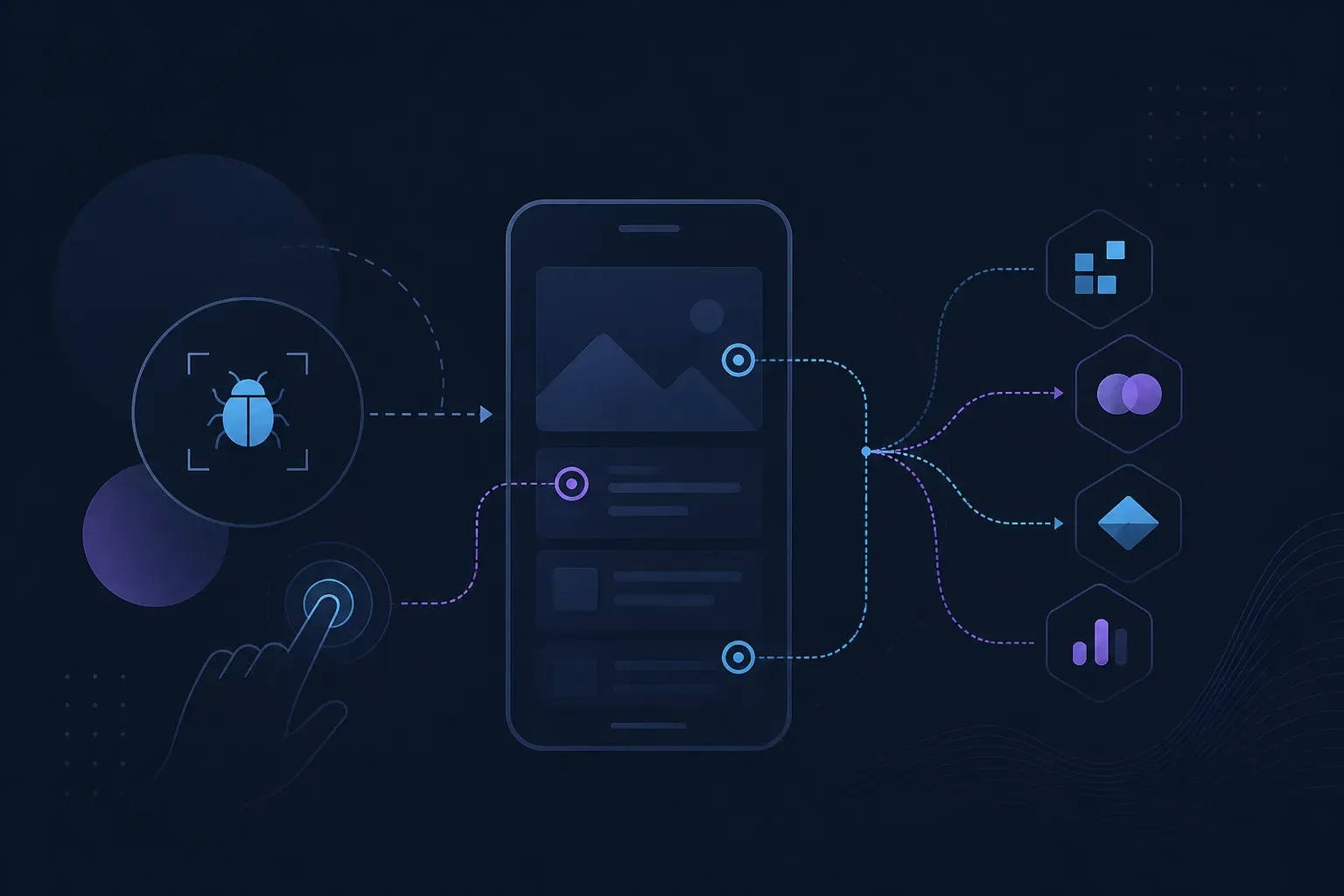
Most people searching BugHerd alternatives, BugHerd competitors, or alternatives to BugHerd are not unhappy with BugHerd. They have added something it was not built for — usually a native mobile app, sometimes a TV app — and they need reporting that reaches inside it.
If you are still collecting client feedback on websites, the case for switching is weak — and the integrations section below is the specific reason. If your product now ships to an app store, keep reading.
Last updated: 2 October 2026 · Competitor facts verified: 31 August 2026
Everframe vs BugHerd: what actually differs?
Two things, and neither is a feature-list item.
Where the reporter lives. BugHerd collects feedback on web pages. Everframe compiles a reporter into your app binary, which is the only way to capture from inside an iOS, Android or TV build. If the bugs you are losing are in an app, that difference decides the evaluation before anything else is considered.
What the bill scales on. Everframe does not meter people: seats and reports are unlimited on every tier including the free one, and the meter is monthly active installs. BugHerd’s pricing lists Standard at $50 per month, or effectively $42 billed annually, for up to 5 members, and puts Studio at $80 per month, or $67 billed annually, for up to 10 members. So growing the team is a plan decision there and a non-event here. Those figures were verified on 31 August 2026 and are the kind that move — check their pricing page before you commit.
On triage automation the two are closer than the rest of this page implies. Recent changes to BugHerd include Similar Task Detection in beta, which surfaces related or duplicate feedback tasks whenever a task is opened so users can merge or close overlapping items without leaving the task view, though its analysis is limited to tasks created after December 2025. Everframe’s AI triage suggests severity, flags duplicates and summarises, with 50 reports a month included on the free tier.
Want to check the maths for your team size? The pricing ladder is public: $0, $19 and $79 a month, plus custom.
What else do you get with Everframe?
Inside the app, not the browser
A reporter compiled into your iOS, Android or React Native build captures what a page-level tool cannot reach.
Connected TV included
tvOS, Android TV, Fire TV, Tizen and webOS send crash and error reports with replay, and a linked Android TV files a quick capture with one remote gesture. Roku sends crash and error reports.
One report shape everywhere
Web, mobile and TV return an identical typed payload, so your triage rules survive adding a platform.
Nothing for testers to install
No extension and no account — the reporter is already in the build they were handed.
Delivery you own
Signed webhooks to any receiver, so reports land in your systems rather than only in a vendor dashboard.
Redaction before buffering
Text is scrubbed as captured and the reporter blurs the screenshot by hand. With session replay on, anything secret on screen has to be marked sensitive.
Each report arrives as one AI-ready envelope — annotated screenshot, console and network state, device and build context, and the trail of screens leading to the bug, as far as the platform can capture them. Start free: 1,000 monthly active installs, unlimited testers, no card, with 14-day artifact retention as the constraint to plan around.
When is BugHerd the better choice?
Recent changes to BugHerd include a rebuilt Jira integration with status synchronisation and user mapping so assignments and mentions work across both tools, available to Premium and Premium+ customers, alongside a rebuilt Slack integration and BugHerd MCP in beta, which lets agents such as Claude Code, Cursor, ChatGPT and Codex connect directly to projects to read task context, triage queues and update statuses. Everframe ships no Jira app and no Slack app, and its MCP server is read-only: an agent can read reports and tickets but not update them. If your work is website QA with clients and you want feedback in Jira without writing code, stay where you are.
Frequently asked questions
We do both a website and a mobile app. Do we need two tools? Possibly, and that is worth deciding deliberately rather than by default. Everframe covers the app and React web front ends with one report shape; a page-level feedback tool covers marketing sites and CMS-built pages it was designed for. Pick based on where your bugs actually get filed, not on consolidating vendors.
Can clients and non-technical testers file reports? Yes, and it costs nothing extra. They press a button or a keyboard shortcut inside the app, draw on the screenshot, blur anything sensitive and send. They never create an account or open a dashboard, and because seats are unlimited you can hand a build to twenty people without a licence conversation.
Does BugHerd work out cheaper for a small agency? It can, and the arithmetic is worth doing rather than assuming. Its plans include unlimited client and guest users alongside a capped number of internal members, which suits an agency with a handful of staff and many clients. The crossover is headcount: Everframe adds nothing per person at any size, so the more internal testers you add, the further the two models diverge.
What happens to reports after they are filed? They are delivered as signed webhooks to whatever receiver you point at, using HMAC-SHA256 over the timestamp and raw body, with retries and a dead-letter queue behind them. You own where the data lands, which matters more than it sounds when you later want it in a system nobody has built a connector for.
If your app is the part that is hard to file bugs against, wire the free tier into one build and hand it to your next round of testers — unlimited seats, no card, and you will know within a sprint.