
SDK integration guides
Guides to wiring error and bug reporting into an app: what the SDK hooks into, which build steps it needs, and what it cannot see.
Several are worked runs on real builds, such as the Flutter plugin on an Android emulator and a Roku channel built to crash, and show what arrived in the dashboard alongside what the integration does not do.
Start here: Flutter Session Replay and Masked Screenshots: A Worked Run; Roku Crash Logs: Capturing BrightScript Crashes After the Channel Is Gone; then Kotlin Multiplatform Bug Reporting: One Shared API, Native Capture on Each Host.
-
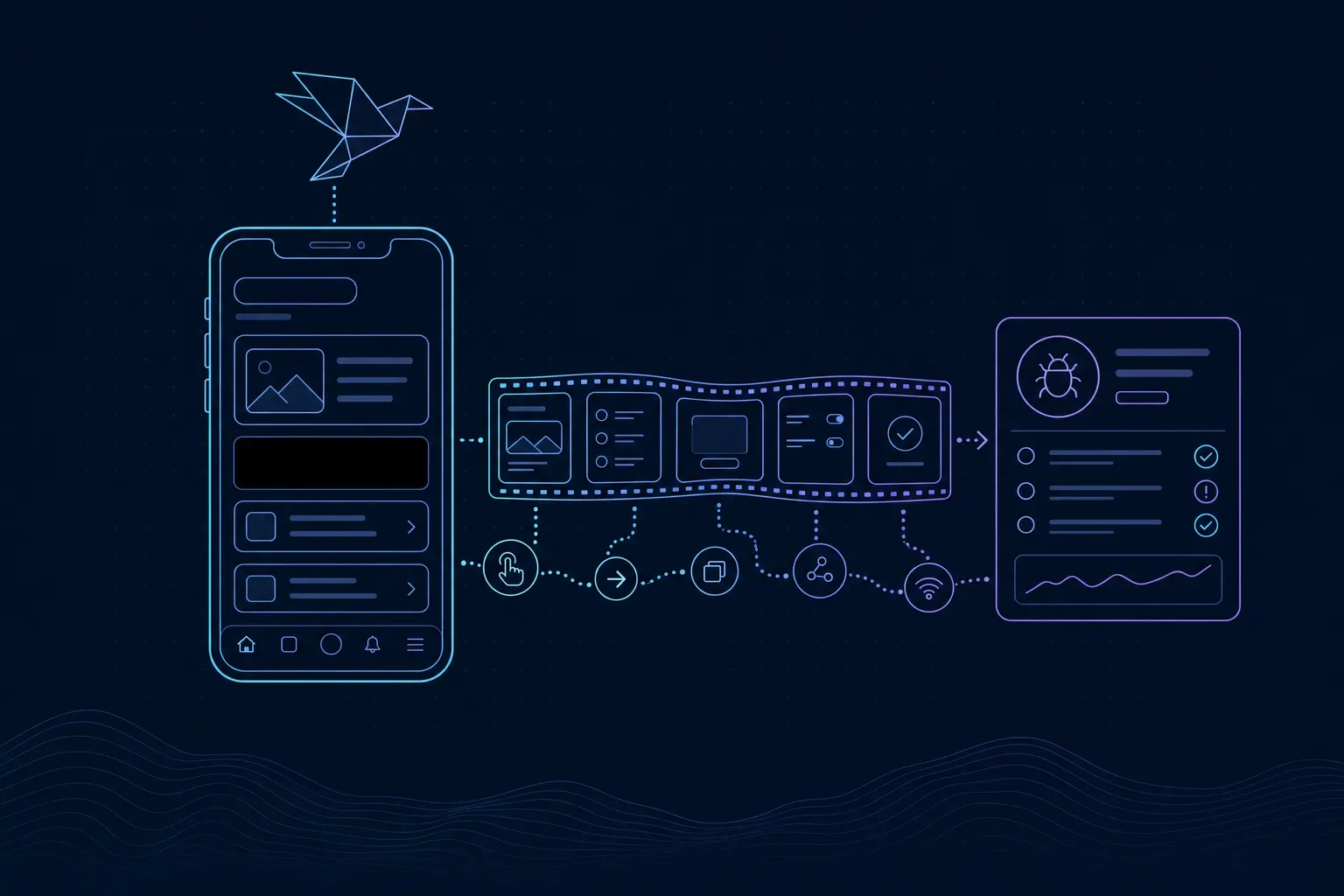 Flutter Session Replay and Masked Screenshots: A Worked Run A worked run of Flutter session replay and widget masking on an Android emulator: a masked screenshot, replay, a Dart error and a 503 in the dashboard.
-
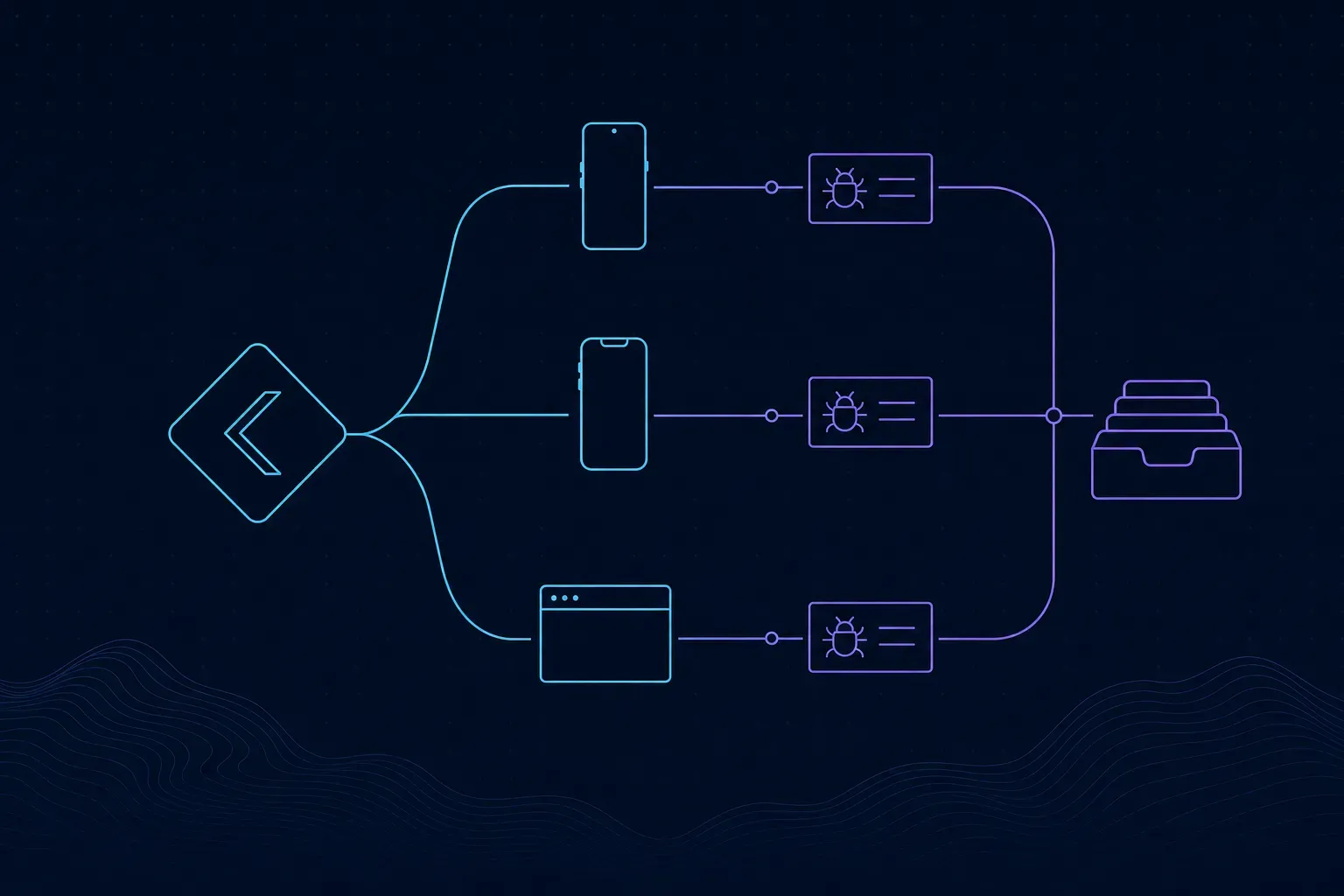 Kotlin Multiplatform Bug Reporting: One Shared API, Native Capture on Each Host The Everframe KMP bridge shares reporting calls and leaves capture to the native SDK. We ran it in a Compose host: what shared Kotlin sends and what arrives.
-
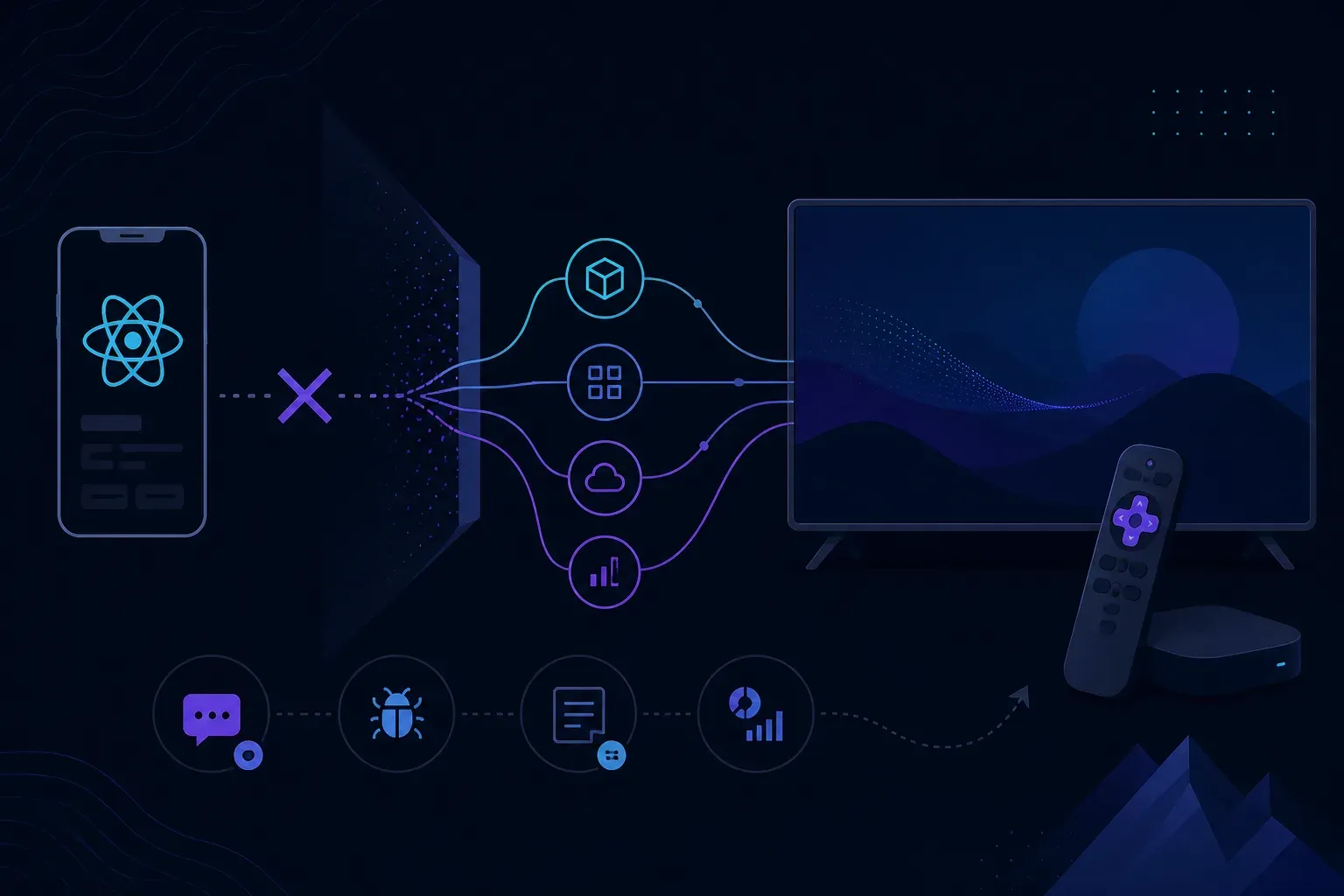 React Native on Roku: Why It Can't, and What Teams Ship Instead React Native on Roku is not an option: Roku apps are BrightScript and SceneGraph. What to share with your React Native app, and where RN does run on TV.
-
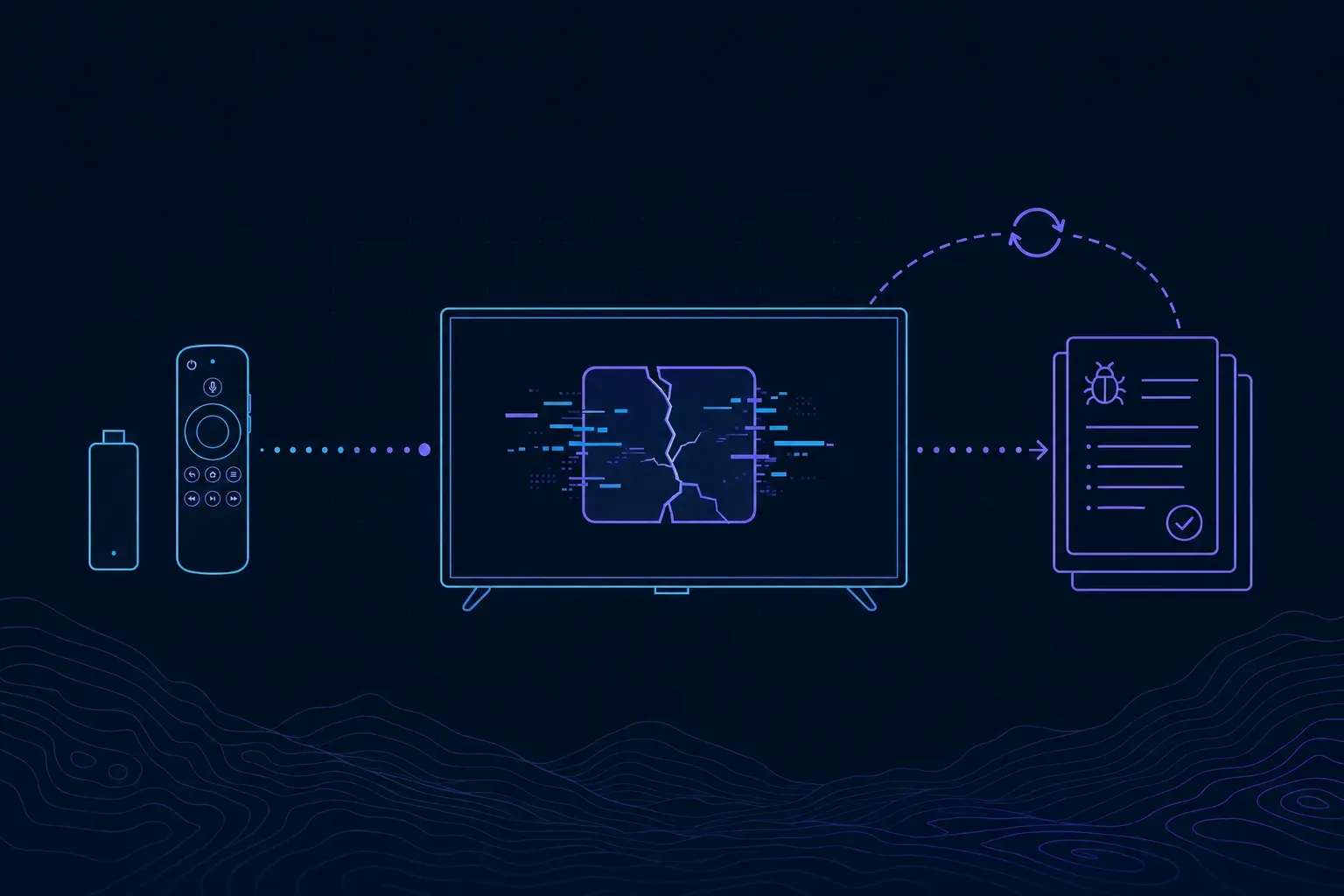 Roku Crash Logs: Capturing BrightScript Crashes After the Channel Is Gone A crashed Roku channel cannot report anything. How to capture Roku crash logs on the next launch, with a stack, key presses and memory before an OOM kill.
-
 Smart TV App Logs: Debugging Samsung Tizen and LG webOS Apps Smart TV app logs on Samsung Tizen and LG webOS: developer mode, ares-inspect, the Tizen Web Inspector, why sdb dlog fails, and what you get from viewers' TVs.