
Bug reporting guides
A bug report is only as useful as what it lets someone reproduce. These guides cover both halves of it: the report a person writes (what they did, what they expected, what happened) and the evidence a device or app can attach to it, from logs and crash stacks to a screenshot and a replay of the seconds before.
Start with what makes a report actionable and a template you can copy. Then pick your platform. Android phones and TVs, Flutter, Kotlin Multiplatform, Roku, Samsung Tizen and LG webOS each have their own logging tools and their own blind spots, and each guide says where those tools stop.
Start here: What Are Bug Reports, and What Makes One Actionable?; Bug Report Format: A Template That Gets Bugs Fixed; then Bug Reporting Tools: The Split Nobody Mentions.
-
 Android Bug Report: What It Is, Where It's Saved, How to Read It An Android bug report is a zip of your phone's logs and system state. What it contains, whether it is safe to share, where it is saved and how to read it.
-
 Android Crash Logs: Where to Find Them and How to Read Them Where Android crash logs live (logcat's crash buffer, ANR traces, tombstones, ApplicationExitInfo, Play Console) and how to read and retrace each stack trace.
-
 Android TV and Fire TV Bug Reports: ADB, Logcat, Crash Logs How to take an Android TV bug report or pull Fire TV logcat over the network: developer options, adb connect, adb bugreport, the crash buffer, and what scales.
-
 Bug Report Format: A Template That Gets Bugs Fixed A bug report format you can copy, field by field, with a filled example — plus why a template is a workaround for context the report should carry itself.
-
 Bug Reporting Tools: The Split Nobody Mentions Most bug reporting tools are web-first browser extensions that cannot touch a native app. What each one actually captures, installs and costs to run.
-
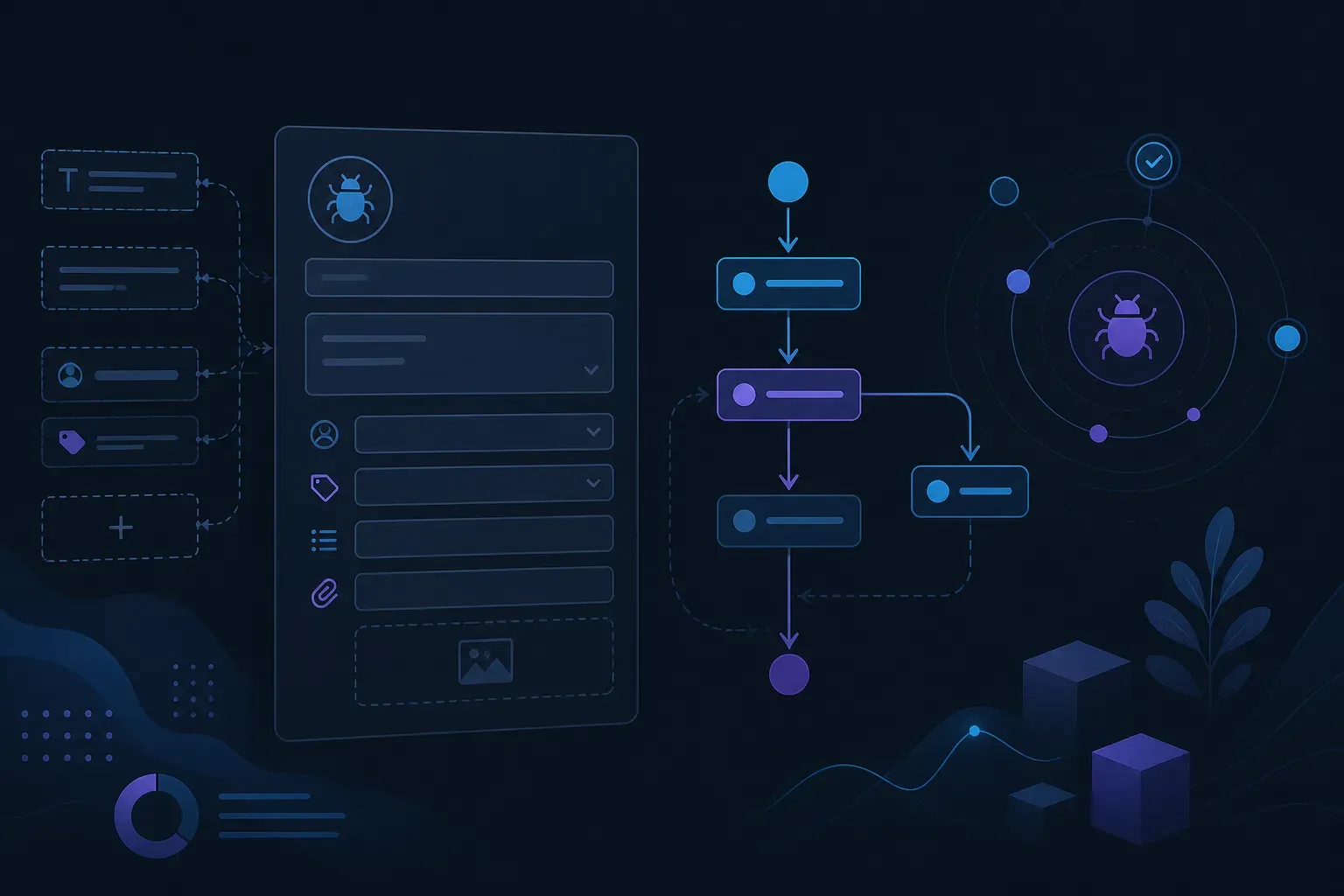 Jira Bug Report: Template, Example, Fields and Workflow A Jira bug report template to copy, a filled example, how Jira models a bug, and the Resolution field that quietly decides what counts as fixed.
-
 Flutter Session Replay and Masked Screenshots: A Worked Run A worked run of Flutter session replay and widget masking on an Android emulator: a masked screenshot, replay, a Dart error and a 503 in the dashboard.
-
 Flutter Bug Reporting: Crash Reporters and In-App Bug Reporters Flutter bug reporting has three layers: Dart error hooks, a crash reporter such as Crashlytics or Sentry, and an in-app bug reporter. What each one captures.
-
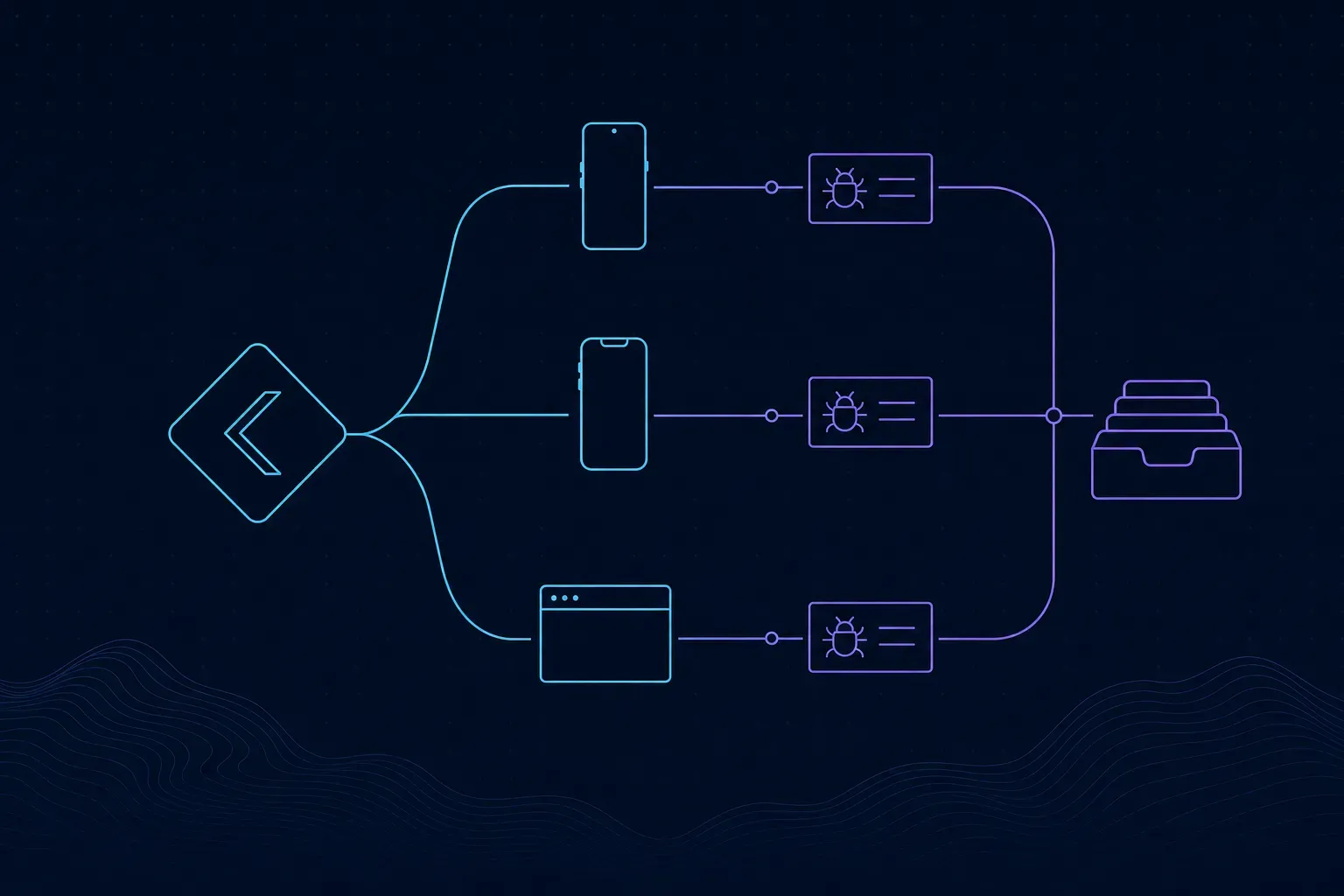 Kotlin Multiplatform Bug Reporting: One Shared API, Native Capture on Each Host The Everframe KMP bridge shares reporting calls and leaves capture to the native SDK. We ran it in a Compose host: what shared Kotlin sends and what arrives.
-
 Roku Crash Logs: Capturing BrightScript Crashes After the Channel Is Gone A crashed Roku channel cannot report anything. How to capture Roku crash logs on the next launch, with a stack, key presses and memory before an OOM kill.
-
 Session Replay Tool: Analytics Product or Debugging One? Two different products share the name session replay tool. How to tell which one you are buying, what each costs, and which one fits bug reports.
-
 Smart TV App Logs: Debugging Samsung Tizen and LG webOS Apps Smart TV app logs on Samsung Tizen and LG webOS: developer mode, ares-inspect, the Tizen Web Inspector, why sdb dlog fails, and what you get from viewers' TVs.
-
 Crash Reporting for Smart TV and Streaming Device Apps Crash reporting for smart TV apps on Roku, Tizen, webOS, Android TV, Fire TV, Vega OS and Apple TV: what each logs, and what reaches you from viewers' TVs.
-
 tvOS Crash Logs: Crash Reports and Bug Reports From Apple TV Apps Where tvOS crash logs come from: Xcode's Crashes organizer, a paired Apple TV in Device Hub, TestFlight tvOS feedback, and what your app has to report itself.
-
 What Are Bug Reports, and What Makes One Actionable? What are bug reports, what belongs in one, and why the fields people skip are the ones that decide whether anybody can reproduce the problem later.